- Industries
- Electrical
Run your electrical jobs, from the service request to the paid invoice, in one app
Task Tracker starts out set up for electrical contractors, with panel, wiring and lighting job types and your wire and breaker categories already in place. Your electricians get their calls on their phone, and every hour they work lands on the job.
When you sign up as an electrical contractor, your job types and parts lists are already filled in
You don't start from an empty screen. Pick Electrical contractor when you set up your business and these lists are ready to use. You can rename, add or remove any of them later.
- Customers are split into residential, commercial and government from the start.
- Commercial job sites keep their access code, access notes and working hours, so nobody turns up to a locked building.
- Parts are priced from your cost and your markup, and you see a supplier's price changes before they apply.
Categories
+ Add a category- Work orders
- Panel upgradeWiringLightingInspectionService callInstallationMaintenanceRepairEmergencyConsultation
- Products
- Wire and cableBreakers and panelsMaterialsEquipmentServices
- Customers
- ResidentialCommercialGovernment
The lists the app sets up when you choose Electrical contractor. You can rename, reorder or remove any of them in Settings.
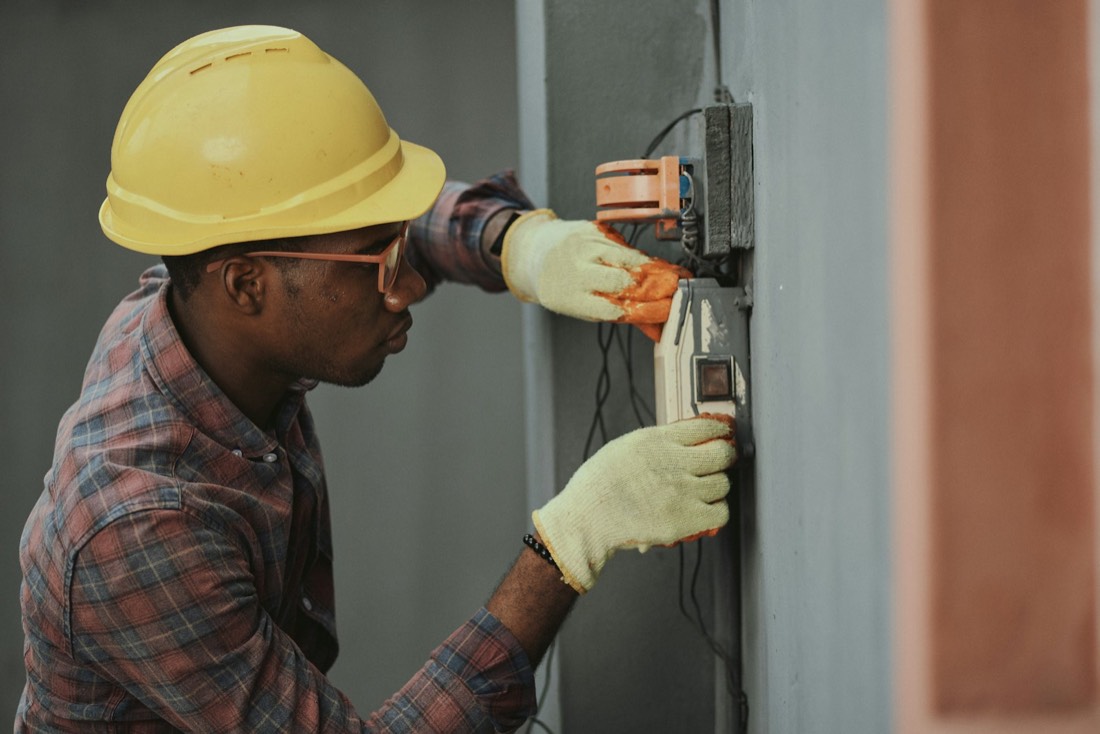
A store's dark parking lot goes from a website request to a paid invoice the same day
Here is one lighting call, step by step. Each step is something Task Tracker does today.
Parking lot lighting
- ScheduleScheduled
- Finish workWork finished
- InvoiceInvoiced
- Get paidPaid
How the day went
- Customer
A store manager fills in the request form on your website to say half the parking lot lights are out.
- Office
Sam turns the request into a lighting work order. The store is added as a customer, Sam adds the manager's note about the electrical room key to the job site, and drops the visit on Priya's afternoon.
- Crew
Priya's phone shows the address, the note to get the electrical room key from the manager, and a Directions button.
- Crew
She checks in, photographs the burnt-out drivers and saves a note. Her hours go on her timesheet as she works.
- Crew
She taps Complete visit and checks out.
- Office
Sam presses Create invoice on the finished job, adds the new drivers from the price list at your markup, and brings in Priya's hours with Add unbilled time.
- Office
The store's head office pays by e-transfer. Sam records the payment and the invoice shows as paid.
Styled like the app's work order screen, with made-up names. The steps are written out for this page.
The features electrical contractors use most
Supplier price lists
Upload your wholesaler's PDF price list and search it when you build a quote. When a newer list arrives, you see what changed before it applies.
Price list and catalogsA request form for your website
Customers ask for work from your site, and the request is ready to turn into a quote or a work order.
Online requestsHours that land on the job
Check in and check out put each electrician's time on their timesheet and on the job's invoice.
Time trackingQuotes customers sign online
Send a quote for a panel upgrade and the customer accepts and signs it from the email.
QuotesQuestions electrical contractors ask
Can I keep using my wholesaler's prices?
Yes. You can upload a supplier's PDF price list and pick parts from it on any quote, work order or invoice, or enter your cost on each product yourself. Prices are worked out from your cost and markup. Scanned price lists can't be read yet.
Can my electricians see what I charge?
Electricians on the technician role see only the work given to them. If you let them write invoices on the phone, they see prices on their own jobs' invoices. Balances and payments stay with the office.
Can I keep the photos with the job?
Yes. Photos taken on the phone go on the work order, and you can mark files as internal so the customer never sees them.
Set up your electrical business and book your first job tonight
Your job types and parts lists are ready when you sign up, and you won't need a credit card.